Included
Live Preview Details
Website Templates
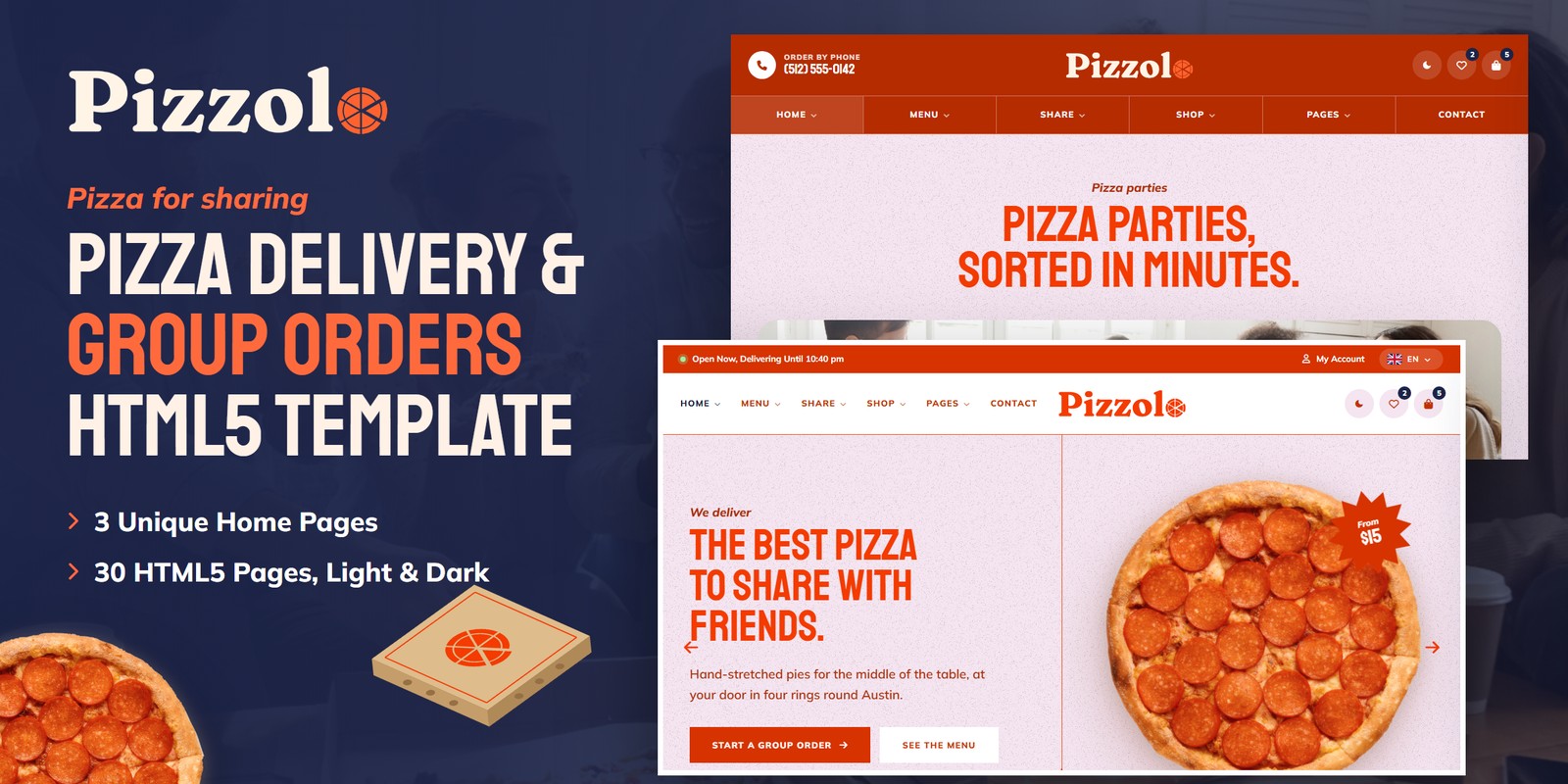
Pizzolo — Pizza Delivery & Group Orders HTML5 Template
Formats: HTML5Tailwind CSSReactVue+1
by MetropolitanHost · updated Nov 1, 2026
Download this template, and every other one, with All-Access.
Also in these formats
Need only this one? Buy it alone for $18 on MetropolitanHost
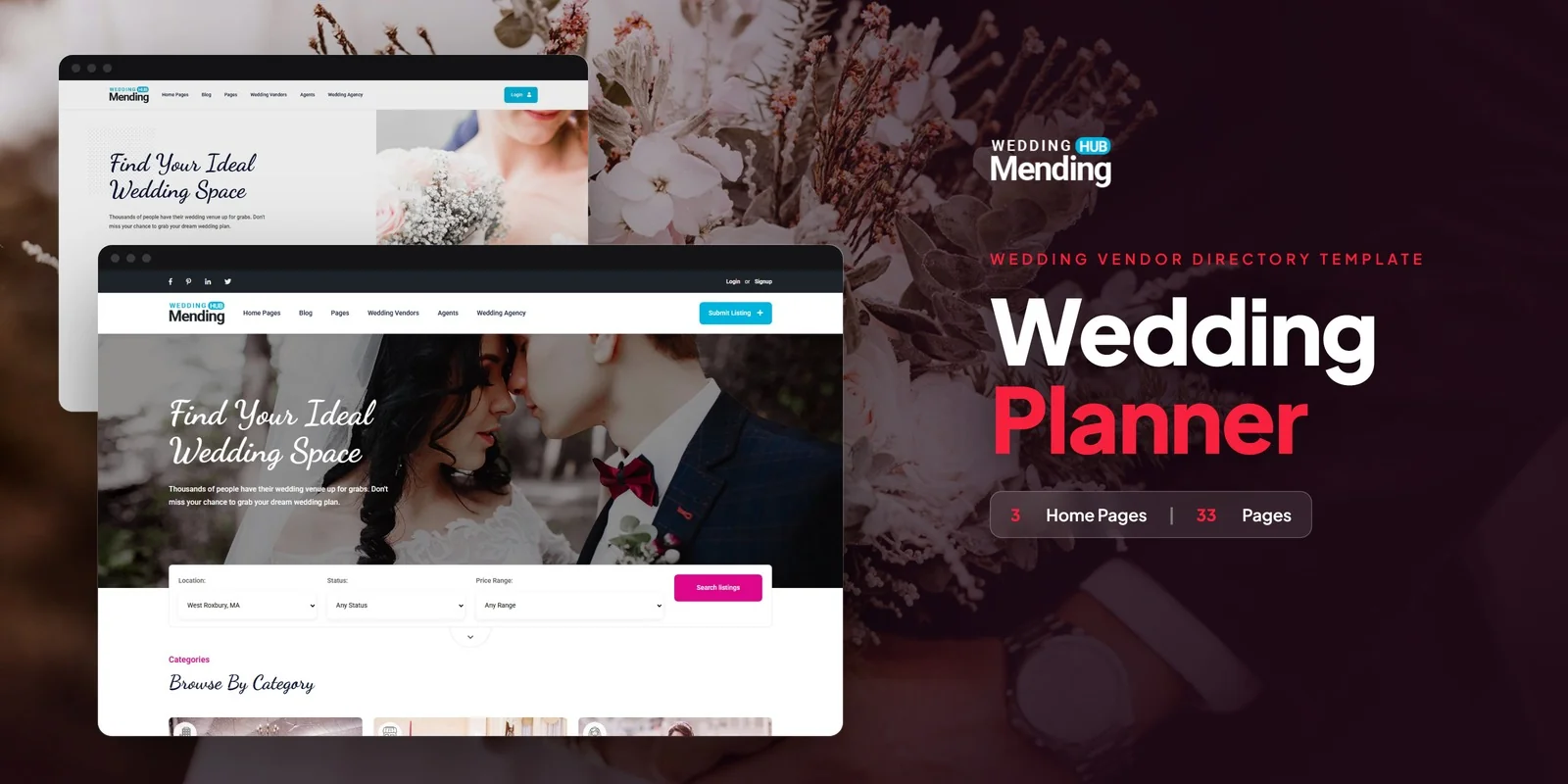
Couples can shortlist venues, florists and photographers on Mendinghub, a Tailwind CSS wedding vendor directory template with 3 home layouts, and Tailwind CSS 4 styles every page. It ships with 33 pages, so a wedding marketplace, a bridal vendor directory or an event venue portal can launch without designing each screen from scratch.
This Tailwind CSS wedding vendor directory template covers the full vendor journey, from browsing a map to submitting a listing. The pages fall into a few groups, so you can see what each one does for the directory.
Three pages do most of the work in this niche, because couples compare many vendors before they book.
On the vendor side, Submit Listing is a five-step form with Dropzone image upload and Select2 dropdowns for category and tag. Agency pages also let planning agencies show all their listings under one profile.
Agent Details shows a bio, social links, a listing carousel and a contact form, so each planner or vendor gets a personal page. Pricing offers three plans with a monthly and annual toggle, so you can charge vendors for placement. The FAQ page has grouped accordion questions for couples and vendors. In addition, the blog suits posts such as how to choose a photographer or guides to venues in a city.
Registration asks users to pick a Vendor or Couple account, and the profile pages let each type manage details and saved listings. The Coming Soon page has a countdown, so you can hold a launch date while the directory fills with vendors.
Tailwind CSS 4 puts each section’s styling right in its markup, so a vendor card or pricing block can be copied to another page and still look the same. You set colors, typefaces and spacing once in the Tailwind theme, so swapping the Dancing Script and Roboto pairing or the cyan accent updates all 33 pages. The build keeps just the classes your pages call for, so styles nobody uses stay out of the final stylesheet.
The design includes 8 colour themes with a live switcher panel, so you can preview a brand colour before you commit. Font Awesome 6 Free supplies the icons.
You can open the ready-made pages straight away. If you want to change the design, the bundled Tailwind source lets you edit the styles and rebuild them. The images shown in the preview stay out of the download, and neutral placeholders take their place, so you add your own vendor photos before launch.
v1.0 2026-11-01
Website Templates
Formats: HTML5Tailwind CSSReactVue+1
Website Templates
Formats: HTML5Tailwind CSSReactVue+1
Website Templates
Formats: HTML5Tailwind CSSPHPReact+2
Website Templates
Formats: HTML5Tailwind CSSPHPReact+2