Included New
Live Preview Details
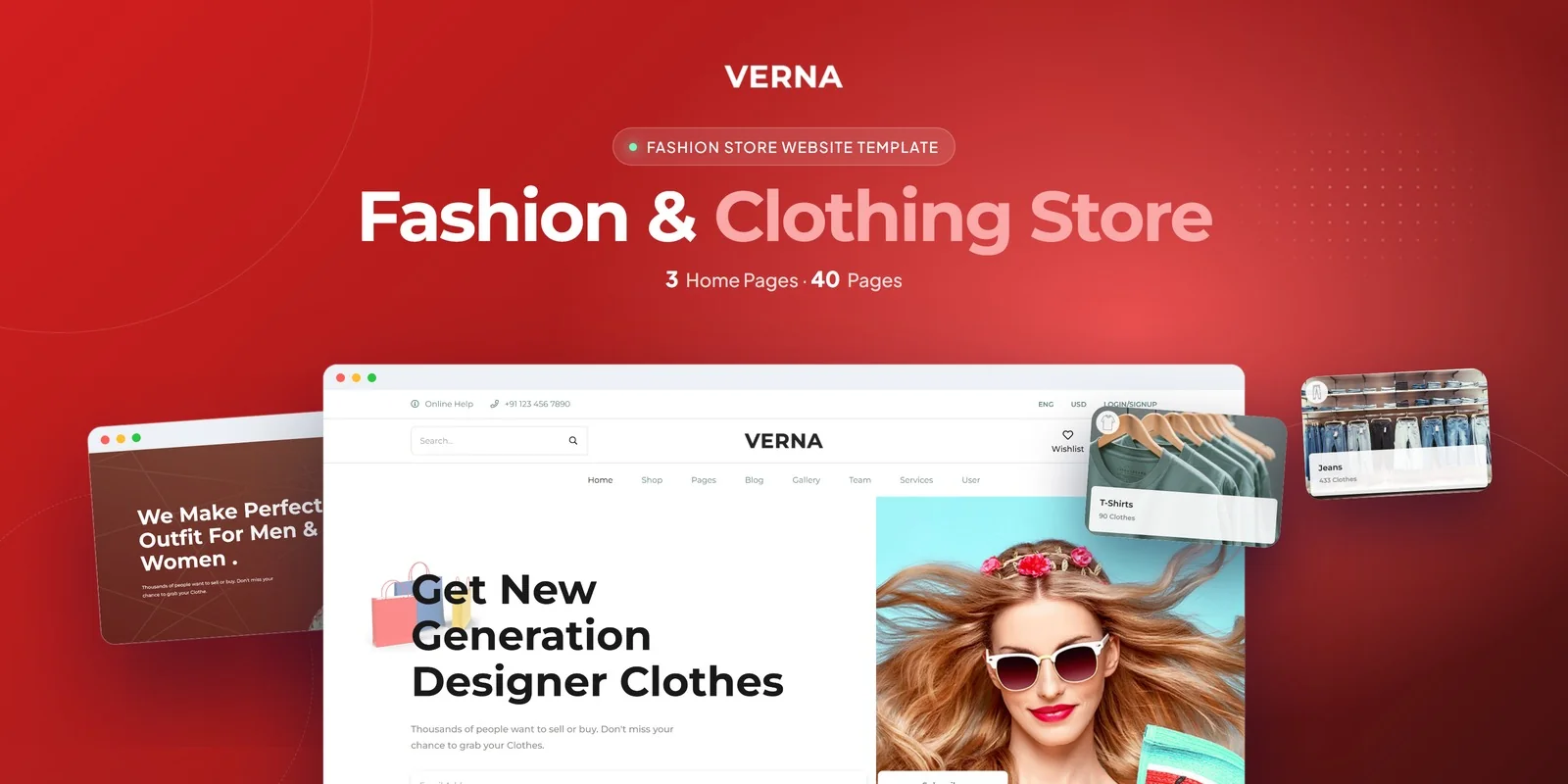
Verna — Tailwind CSS Marketplace Template (HTML)
by MetropolitanHost · updated Nov 1, 2026
Download this template, and every other one, with All-Access.
- Monthlybilled $27 every month$27/mo
- Yearlybilled $117 every year$9.75/mo
- Lifetimeone payment$349
Need only this one? Buy it alone for $18 on MetropolitanHost
- Framework
- Tailwind CSS 4
- Libraries
- Isotope, Select2, Slick, Magnific Popup
- Browsers
- Chrome, Firefox, Safari, Edge
- Responsive
- Yes - Mobile First
- Documentation
- Included
- Updates
- Free lifetime updates
- W3C valid
- Yes
- Version
- 11.2.0
About This Item
Fashion sellers who want several vendors on one site can start with Verna, a Tailwind CSS 4 build with 37 pages. This Tailwind CSS marketplace template covers browsing, buying and vendor account screens, so you do not need to design each one from nothing.
Multi-Vendor Fashion Marketplace Pages
The pages fall into a few groups. Each group matches a job a marketplace has to do.
- Home: three home layouts, each with its own hero and showcase arrangement.
- Shop: Shop Grid, two Shop List versions and a Shop Map for location-based browsing.
- Products: two Product Details styles, plus Compare Products for side-by-side checks.
- Purchase: Cart, Checkout and Wishlist.
- Content: Blog Grid, Blog List, Left and Right Sidebar blogs and a Blog Single page.
- Company: About Us, FAQ, Contact Us, Legal, two Services pages, two Team Archive pages and three Gallery layouts.
- Access: two Login pages, two Register pages, Coming Soon and a 404 page.
Vendor Profile Screens in This Tailwind CSS Marketplace Template
This Tailwind CSS marketplace template gives sellers their own area. Submit Product lets a vendor list an item. The profile has separate pages for Orders, Products and Saved Products, so a seller can check sales while a shopper reviews favourites.
Shoppers get a filtering toolkit too. Isotope sorts products by category or vendor, Select2 improves the dropdowns, and ionRangeSlider handles price ranges. Countdown timers suit limited-time promotions, and a hover zoom gives a close look at product photos. Slick carousels show featured items, and Magnific Popup opens images full screen.
What Tailwind CSS 4 Changes in Verna
Each section’s styling is written as classes on its elements, so a reader can check and edit a look without leaving the page. On a page such as Product Details, that means you can adjust spacing or colour on one block without searching a separate stylesheet.
Layouts also change at set screen widths, because breakpoint prefixes sit on the elements and start from the phone view. Shop Grid and the blog pages therefore adapt to phones and wider screens by the classes you see on each element.
What a Buyer Changes First
Most buyers of this Tailwind CSS marketplace template start with the home page. Pick one of the three layouts, then replace the hero text and the featured product sliders. Next, adjust the Shop Grid cards and the Product Details page, because shoppers see those most. After that, edit the vendor pages: Submit Product and the profile screens, so the labels match how your sellers work.
Logo, colours and the legal text usually follow. Since the classes are in the HTML, each change happens on the page you are viewing.
Folder Contents for Verna Marketplace Pages
The finished pages are ready to view directly. The Tailwind source sits in the folder as well, for changing styles and compiling them again. The photos from the live preview are left out of the download, and neutral placeholders replace those preview images. Flaticon and FontAwesome provide the icons, while Google Fonts provides the typefaces. A written guide walks through setting up and changing the template. Image credits go to Freepik and Unsplash.
Changelog
v1.0 2026-11-01
- First release of Verna with Tailwind CSS 4 and 37 pages
- Includes 3 home layouts and Shop Grid, List and Map pages
- Adds vendor profile pages for orders, products and saved items
More Website Templates

Included
Live Preview Details

Website Templates
Imora – Bootstrap 5 Antique Shop HTML5 Website Template
Formats: HTML5Tailwind CSSPHPReact+2
Included
Live Preview Details

Website Templates
Brush Sharp – Bootstrap 5 Cleaning Services HTML5 Website Template
Formats: HTML5Tailwind CSSPHPReact+2
Included
Live Preview Details

Website Templates
Pharmora — Pharmacy & Medical Store HTML5 Template
Formats: HTML5Tailwind CSSReactVue+1