Included
Live Preview Details
Website Templates
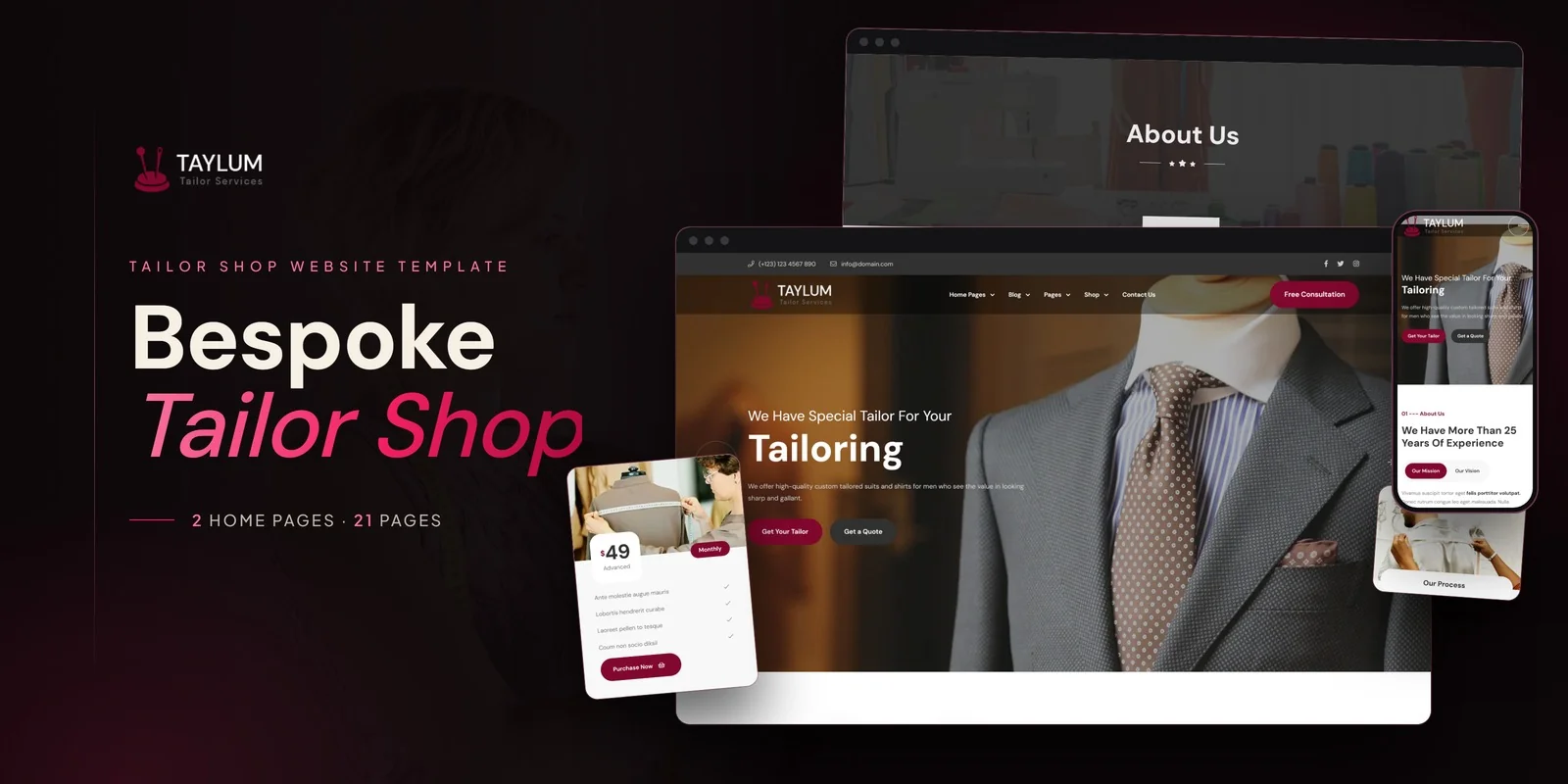
Taylum – Bootstrap 5 Tailor Shop HTML5 Website Template
Formats: HTML5Tailwind CSSPHPReact+2

by MetropolitanHost · updated Nov 1, 2026
Download this template, and every other one, with All-Access.
Need only this one? Buy it alone for $18 on MetropolitanHost
Varra brings seasonal lookbooks, a filterable shop and a full checkout flow to 21 pages, with all styling done in Tailwind CSS 4. As a Tailwind CSS fashion shop template, it has 2 home layouts with different hero and collection arrangements. Clothing boutiques, apparel brands and online fashion retailers can use it, and so can agencies building a store for a client.
A fashion store can show Spring, Summer and Winter collections through the portfolio archive, then open each one on its own detail page. The two home layouts let you pick the hero that suits your range. Apparel brands can also filter products with Isotope by categories such as Tops, Jackets, Trousers and Bridal.
This Tailwind CSS fashion shop template keeps one design across the whole purchase path, so a shopper moves from browsing to checkout without a change of layout.
The Portfolio archive works as a lookbook listing, and Portfolio Detail gives each collection its own page. The Gallery opens images in a Magnific Popup lightbox, so photos show full screen. Slick sliders carry featured collections and customer testimonials, while an Instagram Feed adds social proof. A boutique that wants a lookbook beside its shop will find both in this Tailwind CSS fashion shop template.
Each section’s look sits in utility classes on its own elements, so a product card is readable and easy to adjust on the spot. Hover and focus states appear on the same element as the default styles. For example, you can change a card on the Shop archive without searching through a separate stylesheet.
You can open the finished pages in a browser right after unzipping. The download holds the Tailwind source as well, so you can edit the styles and rebuild them when needed. Photos from the preview are not supplied, and neutral placeholders sit where they were.
Start by swapping in your own garment photos, then rewrite the collection names and the category labels used in the Isotope filter. After that, connect the Instagram Feed to your own account. The download also has step-by-step documentation, with icons from Flaticon and FontAwesome and fonts from Google Fonts.
v1.0 2026-11-01
Website Templates
Formats: HTML5Tailwind CSSPHPReact+2
Website Templates
Formats: HTML5Tailwind CSSPHPReact+2
Website Templates
Formats: HTML5Tailwind CSSPHPReact+2