Included
Live Preview Details
Website Templates
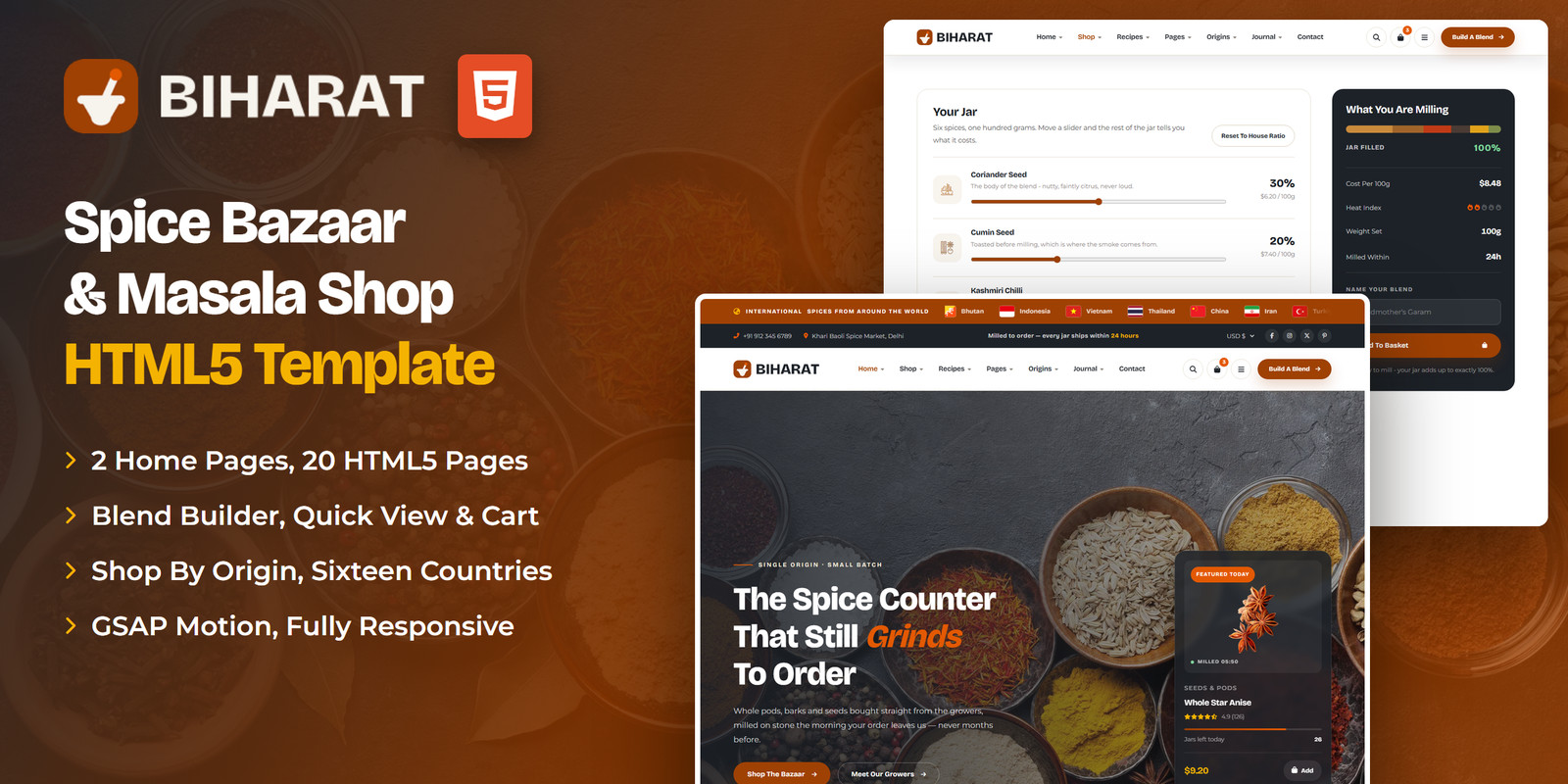
Biharat — Spice Bazaar & Masala Marketplace HTML5 Template
Formats: HTML5Tailwind CSSReactVue+1
by MetropolitanHost · updated Nov 1, 2026
Download this template, and every other one, with All-Access.
Need only this one? Buy it alone for $21 on MetropolitanHost
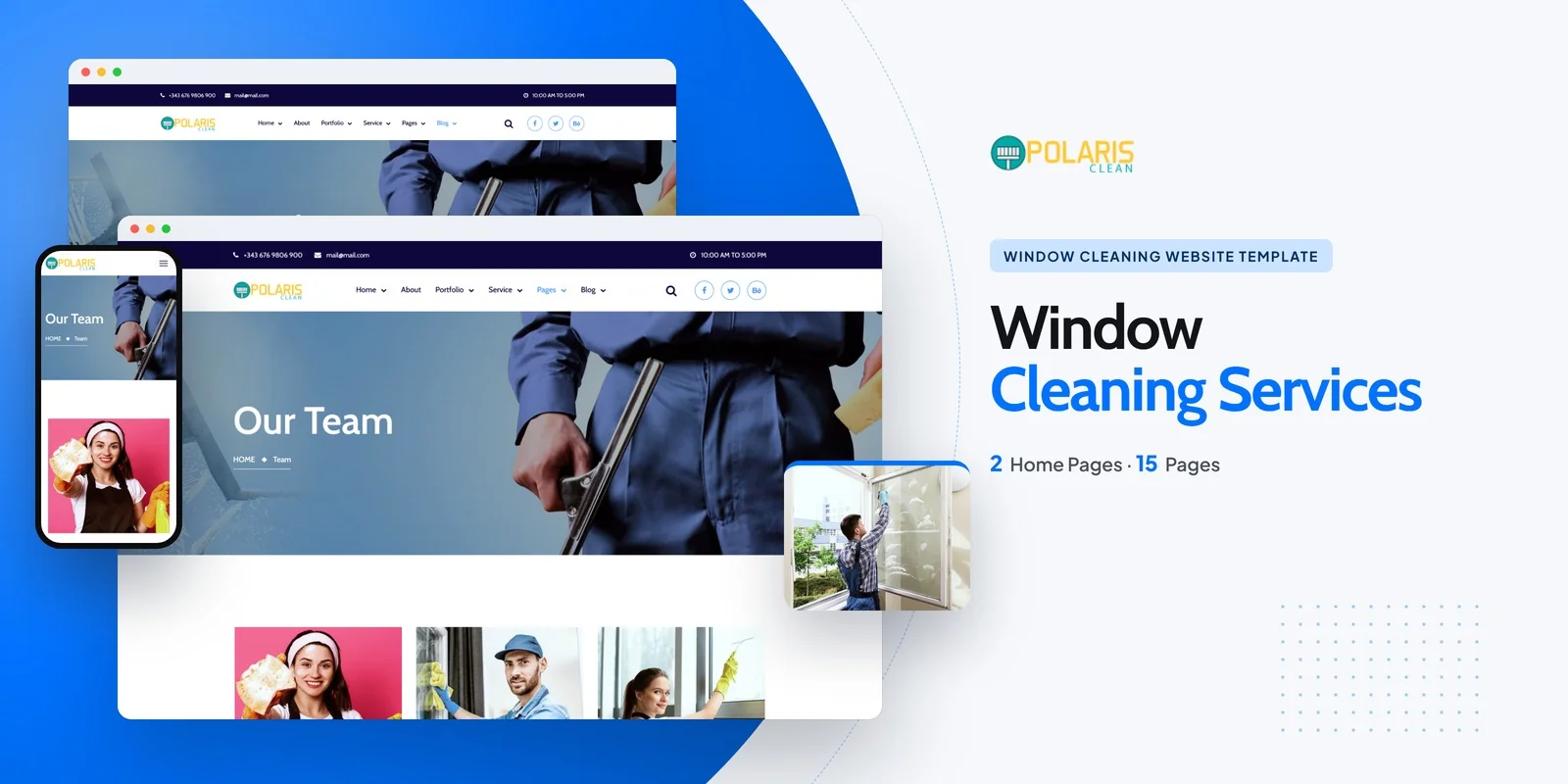
Quote requests, a results gallery and a price list come together in Polaris, a Tailwind CSS window cleaning template powered by Tailwind CSS 4. It suits residential window cleaners, commercial window washing firms, pressure-washing crews and local exterior-cleaning contractors. Freelancers and web studios can hand it to a cleaning client as a finished starting point.
The package holds 16 HTML pages plus 2 home layouts that arrange the hero and the service showcase differently. The pages fall into a few groups.
The Contact page holds the free-quote and booking form, so a customer can send an address, a date and a pane count in one step.
Each section matches a real job for a cleaning company. The gallery lists finished jobs, and each result opens on its own detail page. Isotope filtering sorts results or services by category, while Magnific Popup opens photos full screen. Owl Carousel sliders show featured results and customer testimonials.
The pricing page has per-pane, per-job and recurring-plan tiers. The Service Areas page shows coverage and the neighbourhoods you serve. CounterUp statistics display windows cleaned, jobs completed and happy customers, so visitors see your track record before they call. The FAQ page answers common questions before they reach your inbox.
One Tailwind theme defines the colors, typefaces and spacing, so editing it changes every page. The styling of each section sits inside that section’s own HTML, so you can copy a block such as the pricing tiers to another page and keep its look. This Tailwind CSS window cleaning template covers the pages a crew needs, from services and service areas to pricing, team profiles and a blog.
The theme is usually the first thing a buyer edits. Swap the brand colors and the font, and every page follows. Next come the two home layouts: pick one, then replace the hero text with your own city and service names. After that, fill in the pricing tiers and the list of neighbourhoods on the Service Areas page. Because every page shares one theme, a new brand color or font reaches the whole site at once.
The finished pages open directly, and the Tailwind source sits alongside them if you rebuild the styles yourself. Documentation walks through setup. Flaticon and FontAwesome provide the icons, and the type comes from Google Fonts. Because the demo photos are not shipped, neutral placeholders mark each image slot, ready for your own job photos. The photography originally came from Freepik and Unsplash.
Browser coverage includes Chrome, Firefox, Safari, Edge and Opera, and the gallery, team and service pages each have a matching detail page.
v1.0 2026-11-01
Website Templates
Formats: HTML5Tailwind CSSReactVue+1
Website Templates
Formats: HTML5Tailwind CSSPHPReact+2
Website Templates
Formats: HTML5Tailwind CSSPHPReact+2
Website Templates
Formats: HTML5Tailwind CSSPHPReact+2