Included
Live Preview Details
Admin Dashboards
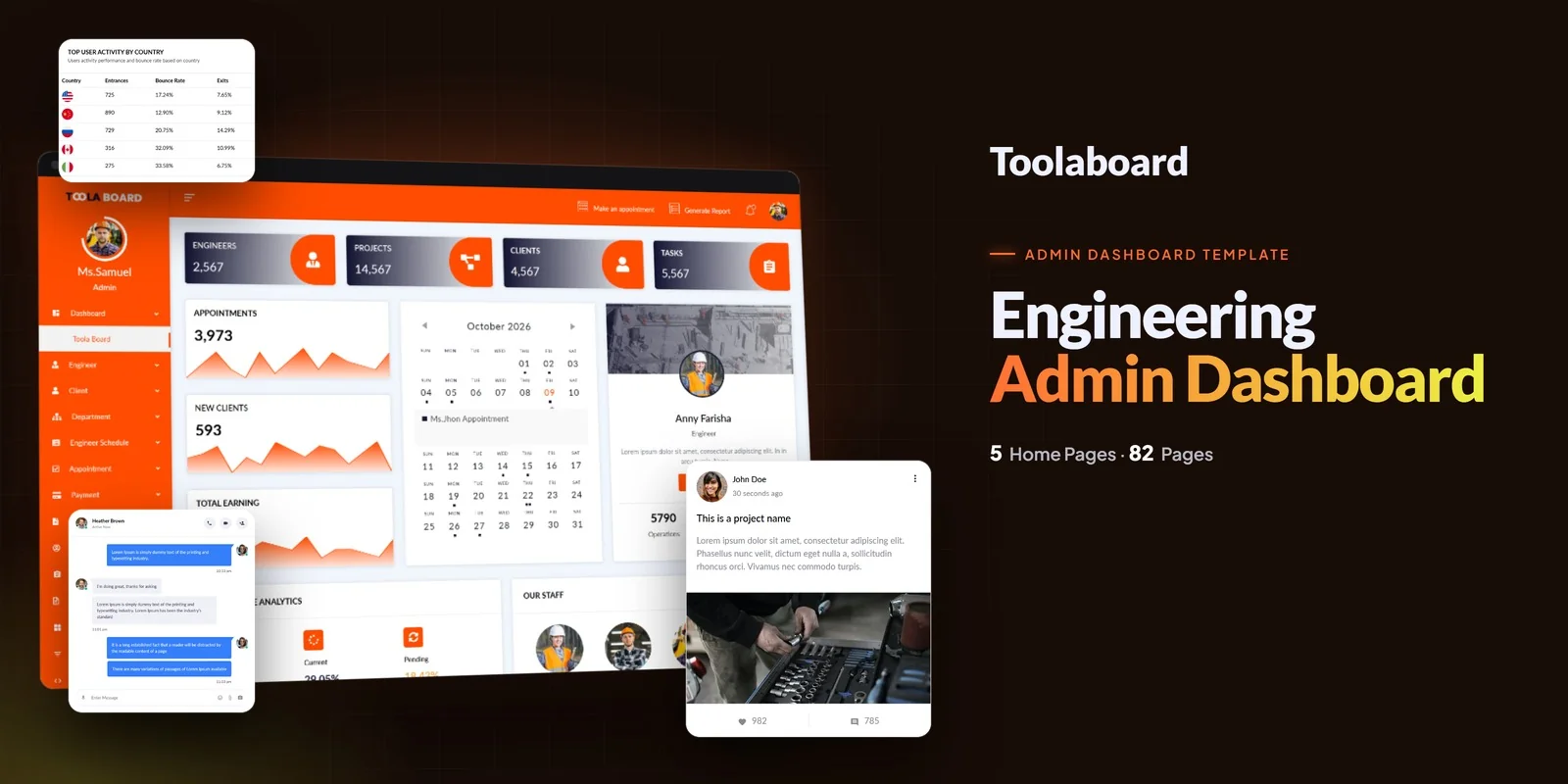
Toolaboard – Bootstrap 5 Admin Dashboard HTML5 Website Template
Formats: HTML5BootstrapTailwind CSSPHP+3
by MetropolitanHost · updated Nov 1, 2026
Download this template, and every other one, with All-Access.
Need only this one? Buy it alone for $18 on MetropolitanHost
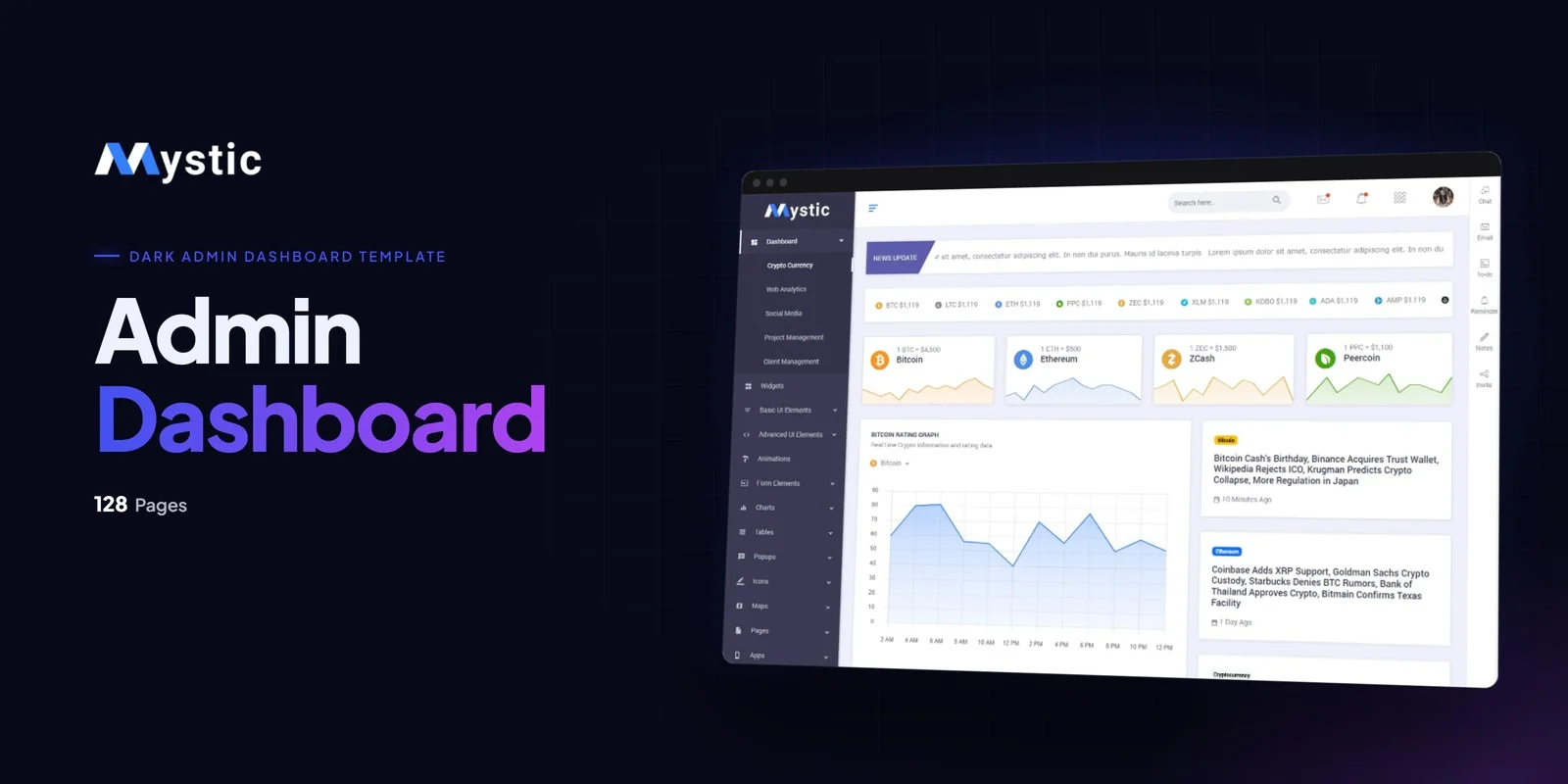
Back-end teams get a working interface from Mystic, a Tailwind CSS dashboard template that runs on Tailwind CSS 4 with 128 pages in light and dark builds. It suits SaaS founders, agency developers and internal-tool teams who want a finished admin panel instead of a blank layout.
Each of the five dashboard layouts in this Tailwind CSS dashboard template shares the same sidebar and header, so you can move widgets between them. Pick the one that matches your product:
A Main Dashboard with KPI summary, revenue chart and recent orders is also included, so the general back office is covered.
Choosing between the two builds is simple because this Tailwind CSS dashboard template ships light and dark as separate, fully styled folders. That gives 63 light pages, 63 dark pages, a root chooser page and documentation. Every chart, form and widget is styled for both, so you deploy either one without extra setup.
Both versions also carry an ARIA v1.2 pass: a skip link, a main landmark, keyboard focus outlines and labelled controls on every page. This matters when your clients are enterprise, government or education teams.
They use dummy data, so you can connect them to your own API.
Reporting screens are where an admin panel earns its keep, so these pages matter most to this niche. Chart.js and Morris Charts pages show line, bar, pie, doughnut and donut examples. DataTables adds sorting, search and pagination for transaction lists and client records. Four form pages cover elements, layout, validation and a multi-step wizard. Google Maps and Vector Maps pages help with geographic data.
The UI section adds 11 basic component pages and 7 advanced ones, including Image Cropper, Modals, Range Slider and a guided Tour. SweetAlerts and Toast Notifications handle confirmations. Utility pages cover Login, Register, Lock Screen, Invoice, FAQ, Error 404, Coming Soon, User Profile and Portfolio.
Every card, table row and button carries its look in its own markup, so a change happens in the spot you are reading. Hover and focus states sit beside the default styles, which helps on dense pages like Form Elements and DataTables. The compiled stylesheet holds just the classes these pages call, so leftover rules stay out.
The download contains ready pages you can open straight away. It also holds the Tailwind source for anyone who wishes to adjust and recompile the styling. Neutral placeholders replace the preview images. The template offers a six-scheme gradient colour switcher and uses Roboto, with Font Awesome, Flaticon and Materialize Icons reference pages.
Keyboard users get Alt+1 through Alt+6 to switch QuickBar tabs, plus Alt+Q for configure mode.
v1.0 2026-11-01
Admin Dashboards
Formats: HTML5BootstrapTailwind CSSPHP+3
Admin Dashboards
Formats: HTML5Tailwind CSSReactVue+1
Admin Dashboards
Formats: HTML5Tailwind CSSReactVue+1
Admin Dashboards
Formats: HTML5BootstrapTailwind CSSPHP+3