Included
Live Preview Details
Admin Dashboards
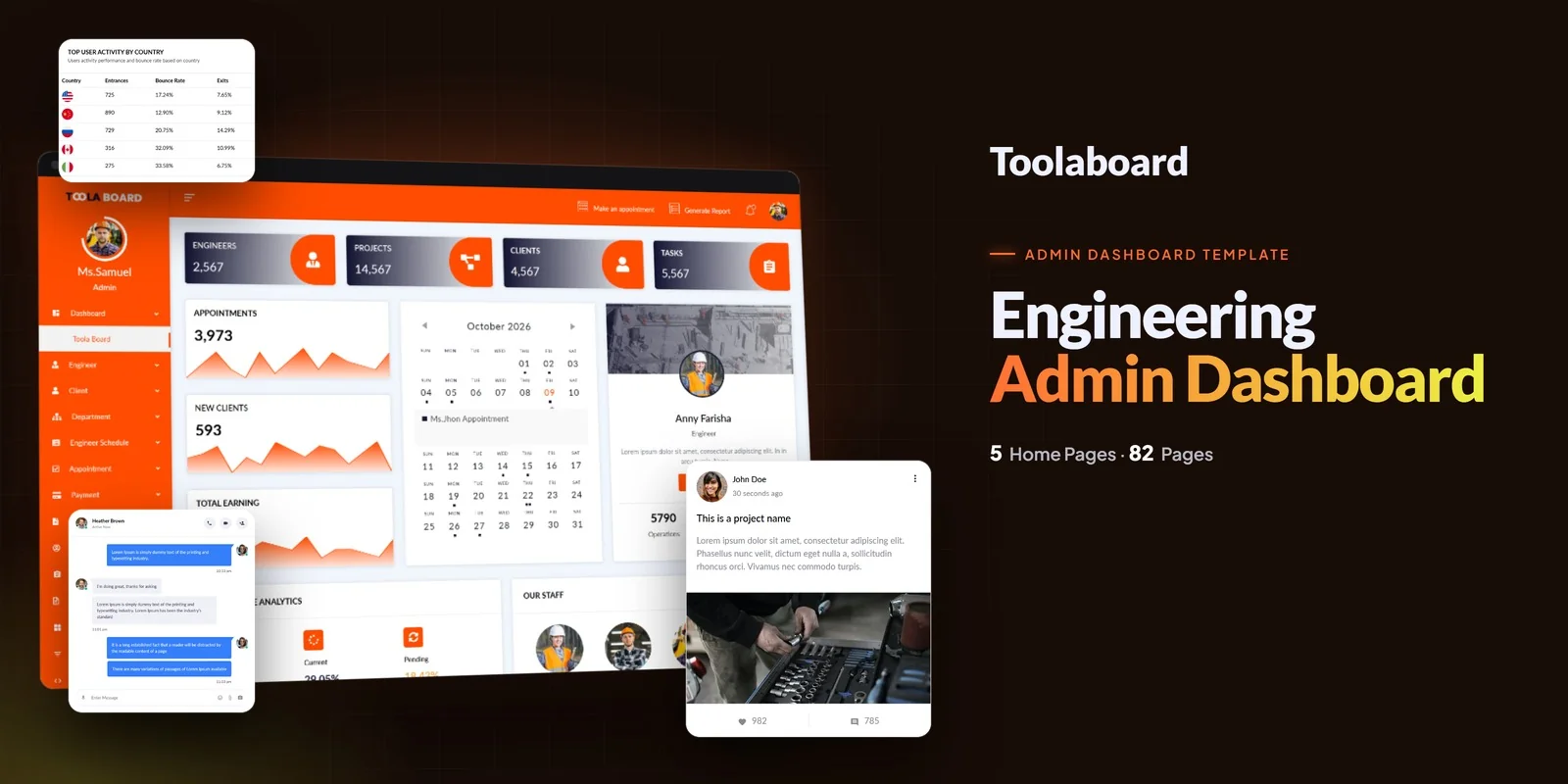
Toolaboard – Bootstrap 5 Admin Dashboard HTML5 Website Template
Formats: HTML5BootstrapTailwind CSSPHP+3
by MetropolitanHost · updated Nov 1, 2026
Download this template, and every other one, with All-Access.
Need only this one? Buy it alone for $23 on MetropolitanHost
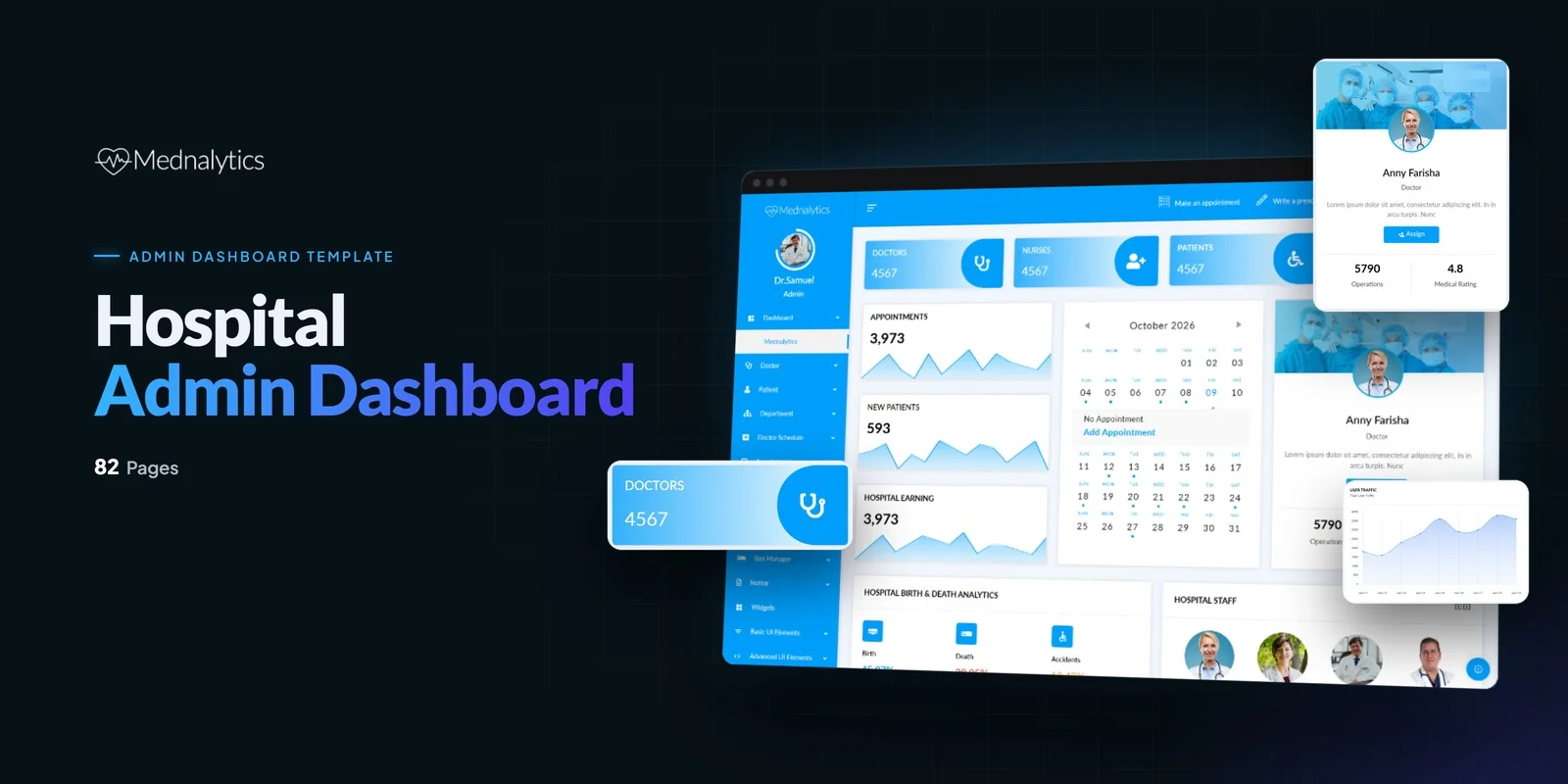
Staff, patients, beds and billing each get their own screens in Mednalytics, with 95+ pages in total. It is a Tailwind CSS admin panel template for hospitals, medical clinics, healthcare analytics platforms, patient management systems and medical administration software. The styling runs on Tailwind CSS 4.
The pages follow the way a hospital divides its work. Each group below has its own screens.
A Tailwind CSS admin panel template for healthcare has to show clinical data quickly, so this one includes Chart.js and Morris Charts. Google Maps and vector maps show regional health data. DataTables give you sortable, searchable tables for patient and staff lists.
Sweet Alerts and toast notifications cover confirmations and warnings, for example when an appointment is booked or an invoice is removed. The draggable interface also lets users rearrange dashboard components to suit their own routine.
This Tailwind CSS admin panel template gives each of these buyers the same set of ready screens, so the work shifts to connecting real data.
Each screen carries its look in class names written directly on its elements, so you can read and change the Bed Manager or an invoice table where it sits. The compiled CSS holds only the classes the pages actually use, so styles for unused screens stay out.
Start with the Dashboard and Patient Management screens, since they carry the hospital’s names, figures and colours. Next, adjust the staff pages and the Medical Reports layout. Then swap the Chart.js and Morris Charts sample data for real numbers.
The pages work straight from the download. It also holds the Tailwind source, which lets you change styles and compile them again. Preview photos are left out, and neutral placeholders stand in for them. Icons come from Flaticon and FontAwesome, fonts load from Google Fonts, and the documentation covers setup step by step.
v1.0 2026-11-01
Admin Dashboards
Formats: HTML5BootstrapTailwind CSSPHP+3
Admin Dashboards
Formats: HTML5Tailwind CSSReactVue+1
Admin Dashboards
Formats: HTML5BootstrapTailwind CSSReact+2
Admin Dashboards
Formats: HTML5BootstrapTailwind CSSPHP+3