Included
Live Preview Details
Website Templates
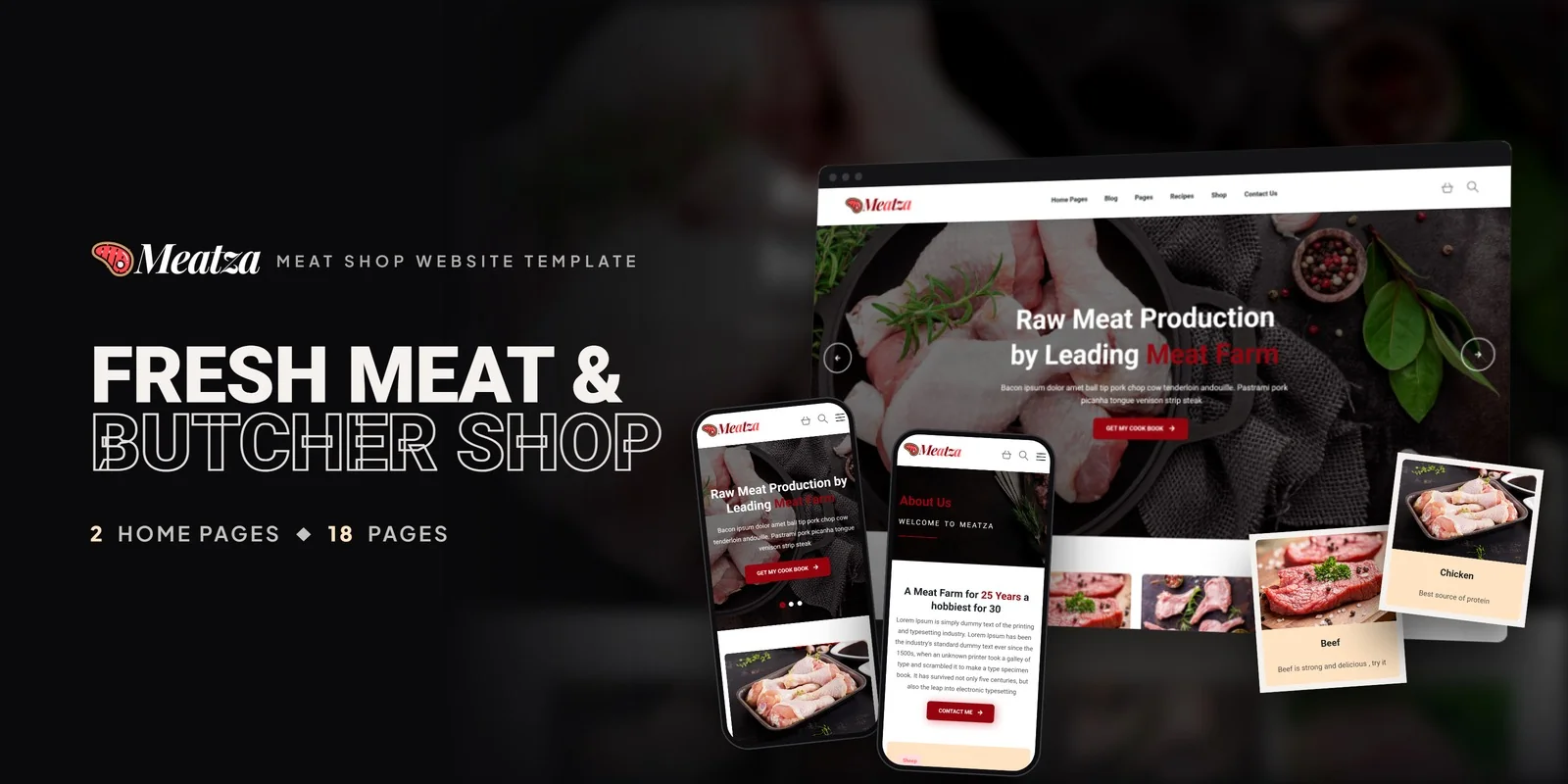
Meatza – Bootstrap 5 Meat Shop HTML5 Website Template
Formats: HTML5Tailwind CSSPHPReact+2
by MetropolitanHost · updated Nov 1, 2026
Download this template, and every other one, with All-Access.
Need only this one? Buy it alone for $20 on MetropolitanHost
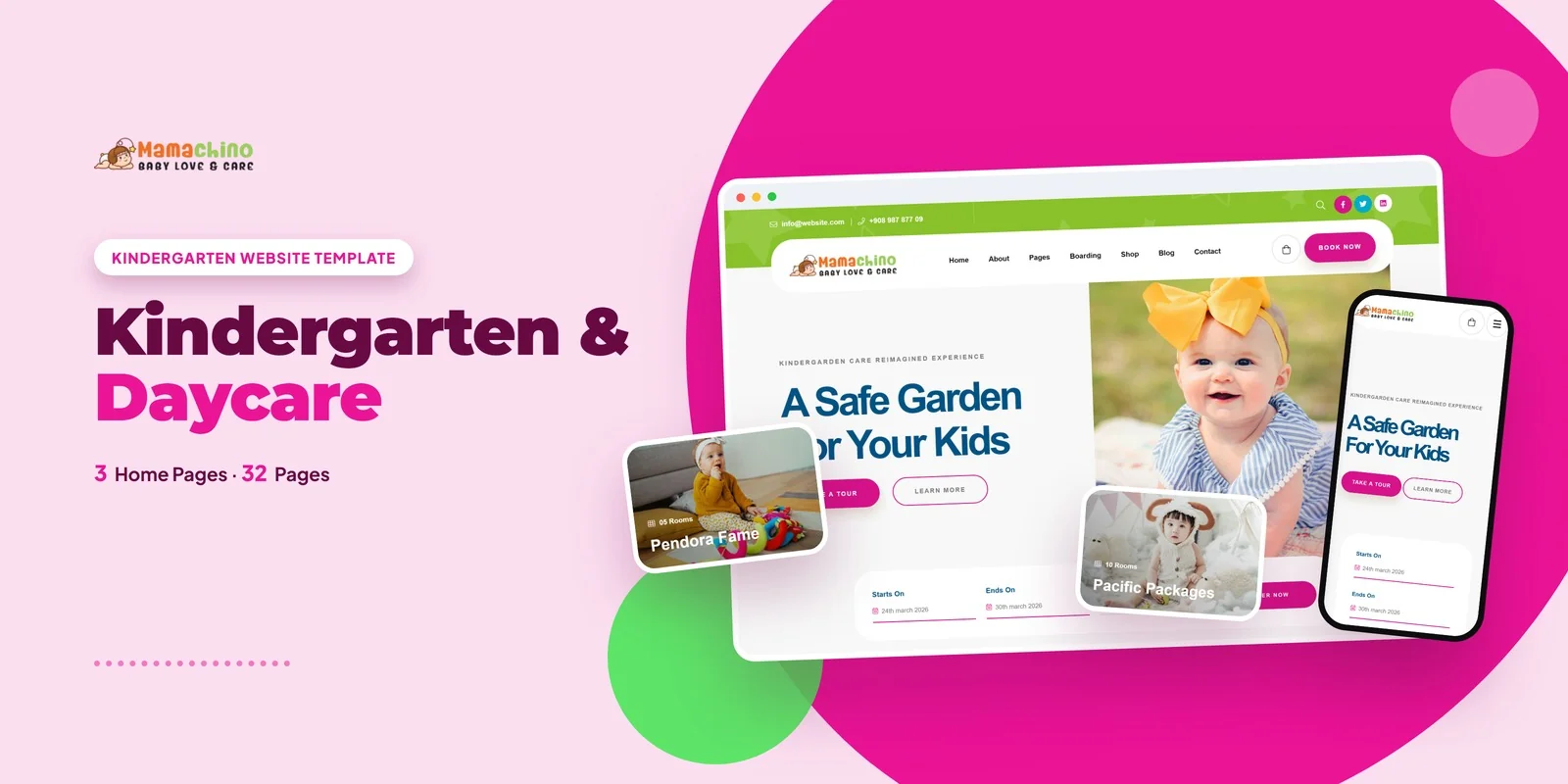
Parents can browse age-group programs, book a place and read center news in this Tailwind CSS kindergarten & daycare template, which is styled with Tailwind CSS 4. Mamachino is built for kindergartens, daycare centers, preschools, nursery schools and early-learning programs that want a complete site without designing each page from scratch.
The package holds 32 finished pages and 3 home page layouts. Each home page has its own hero and its own way of showing the center’s programs, so a center can choose the layout closest to its tone.
The Tailwind CSS kindergarten & daycare template keeps every classroom, location and enrollment step on its own page, so a center can send families straight to the right one.
Here is how the pages are grouped:
The enrollment page lets a parent choose dates with a date picker and pick the child’s age from a styled dropdown. The same dropdown style filters programs, while Isotope sorts programs or shop items by age group or category. Because parents compare centers before they call, the counters for happy kids, teachers and parents sit on the page where they are easy to see.
Slick carousels show featured programs and testimonials. A Magnific Popup lightbox opens gallery images and a video popup, so a center can show children at play. WOW.js adds scroll animations as sections appear.
With Tailwind CSS 4, each element carries its own styling in the markup, so the look of an Enrollment form or a Program Grid card can be read and changed in place. The compiled CSS holds only the classes these pages actually use, with nothing left over. Since a daycare site is mostly program cards, forms and blog posts, that keeps each page easy to follow.
Most centers start with the home page, the program cards and the enrollment page. They swap in the center’s name, ages served and locations, then adjust colors and spacing in the utility classes. After that they replace the shop items, or remove the shop if they do not sell anything, and write their first blog posts.
The pages work straight from the download, and the Tailwind source is there when a center wants to edit and rebuild the styles. The download uses Flaticon and FontAwesome for icons and loads fonts from Google Fonts. The documentation walks through setup and customisation. Neutral placeholders replace the preview images, and the credits for the original photos go to Freepik and Unsplash.
v1.0 2026-11-01
Website Templates
Formats: HTML5Tailwind CSSPHPReact+2
Website Templates
Formats: HTML5Tailwind CSSPHPReact+2
Website Templates
Formats: HTML5Tailwind CSSPHPReact+2
Website Templates
Formats: HTML5Tailwind CSSPHPReact+2