Included
Live Preview Details
Website Templates
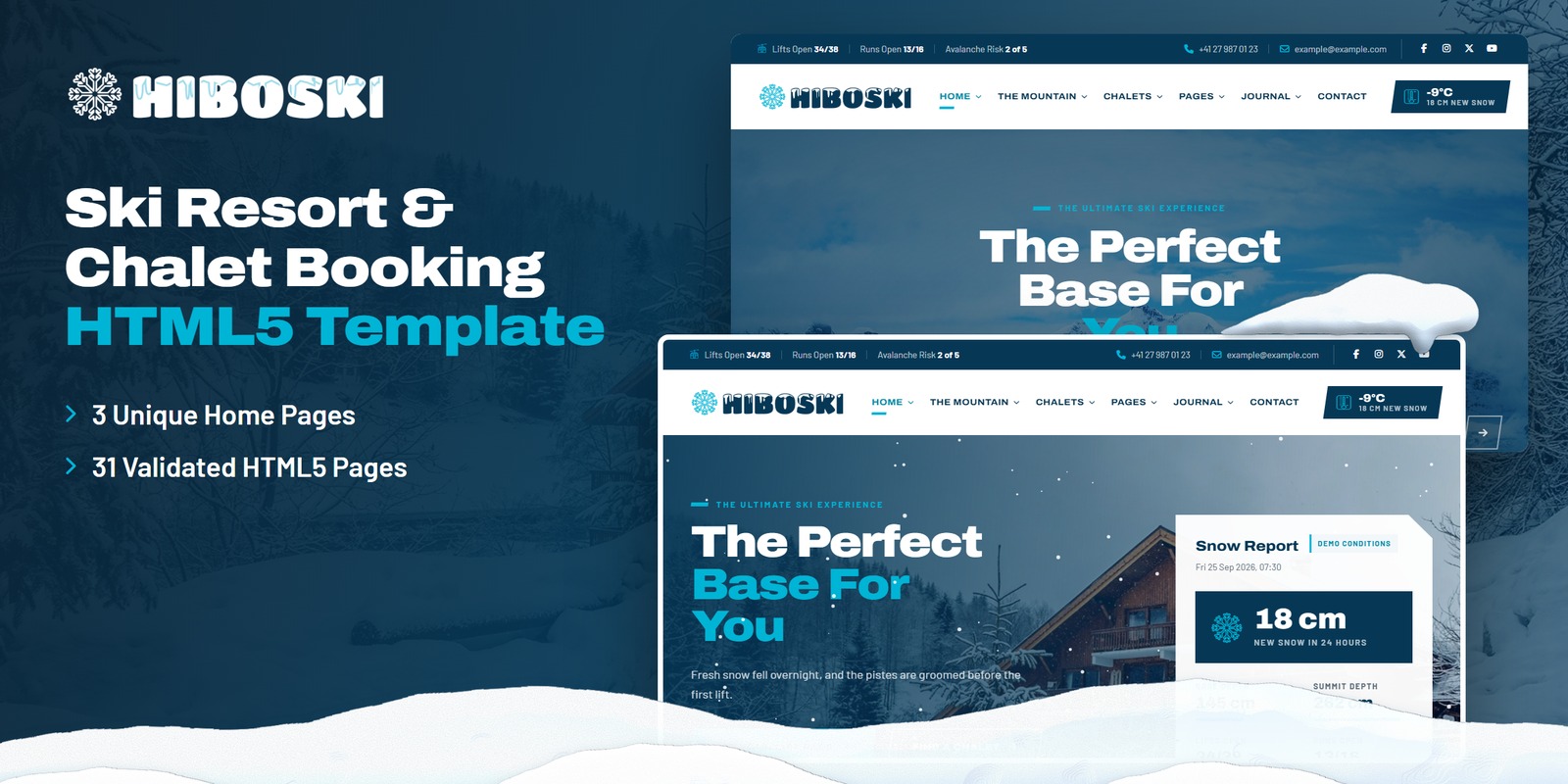
Hiboski — Ski Resort & Chalet Booking HTML5 Template
Formats: HTML5Tailwind CSSReactVue+1
by MetropolitanHost · updated Nov 1, 2026
Download this template, and every other one, with All-Access.
Need only this one? Buy it alone for $24 on MetropolitanHost
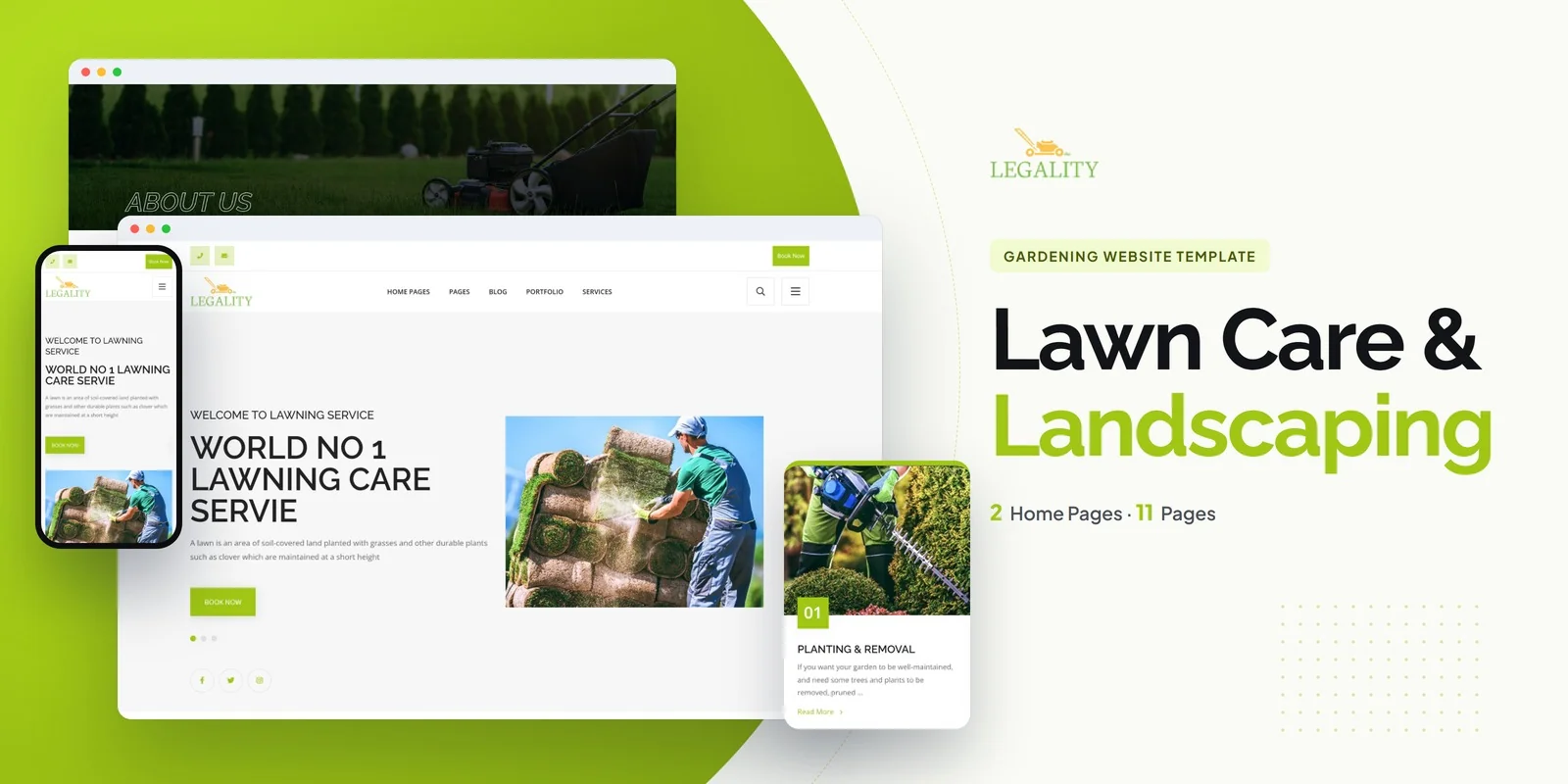
Completed garden jobs become a filterable portfolio in Legality, a Tailwind CSS landscaping service template written for Tailwind CSS 4. It suits landscaping companies, garden design services, lawn care businesses, horticulture professionals and outdoor maintenance providers. The pages come ready to fill with your own projects and services.
Most landscaping sites win work by showing results. The portfolio page lists finished gardens and landscaping projects, and category filtering lets visitors narrow them by garden type, service or plant category. Each project then opens on its own detail page, where you can tell the story of one job. Images open full screen in a popup, so visitors can look closely at planting and paving.
The Tailwind CSS landscaping service template includes a services section where every treatment or job type has its own detail page. That means lawn mowing, garden design and maintenance can each get a clear page of their own. A price range slider lets visitors filter by budget or service pricing. Featured projects and client testimonials move through carousels, so the home page can show proof without a long scroll.
A lawn care firm can use this Tailwind CSS landscaping service template to pair project galleries with a blog of garden care advice. Regular articles give customers a reason to return between jobs.
Styling sits in the HTML itself, so a service block or project card can move to a different page with its appearance intact. Only the classes your pages use end up in the compiled CSS, so styles you never touch do not ship. Each page is already built, so a browser shows it with no setup. The download also carries the Tailwind source, which lets you adjust the styling and compile it again. The demo photography is not shipped, and neutral placeholders sit where it appeared.
Start with the home page, because it decides whether a visitor keeps reading. Pick one of the two home layouts, then swap the placeholder photos for your own garden work. Next, rewrite the service list so it matches what you actually sell, and set the price slider ranges to your real budgets. Finally, add your first portfolio projects and a few blog posts. The icon sets are Flaticon and FontAwesome, and the text uses Google Fonts. Documentation walks through setup and customisation in order.
The template also works in Chrome, Firefox, Safari, Edge and Opera.
v1.0 2026-11-01
Website Templates
Formats: HTML5Tailwind CSSReactVue+1
Website Templates
Formats: HTML5Tailwind CSSPHPReact+2
Website Templates
Formats: HTML5Tailwind CSSPHPReact+2
Website Templates
Formats: HTML5Tailwind CSSReactVue+1