Included
Live Preview Details
Website Templates
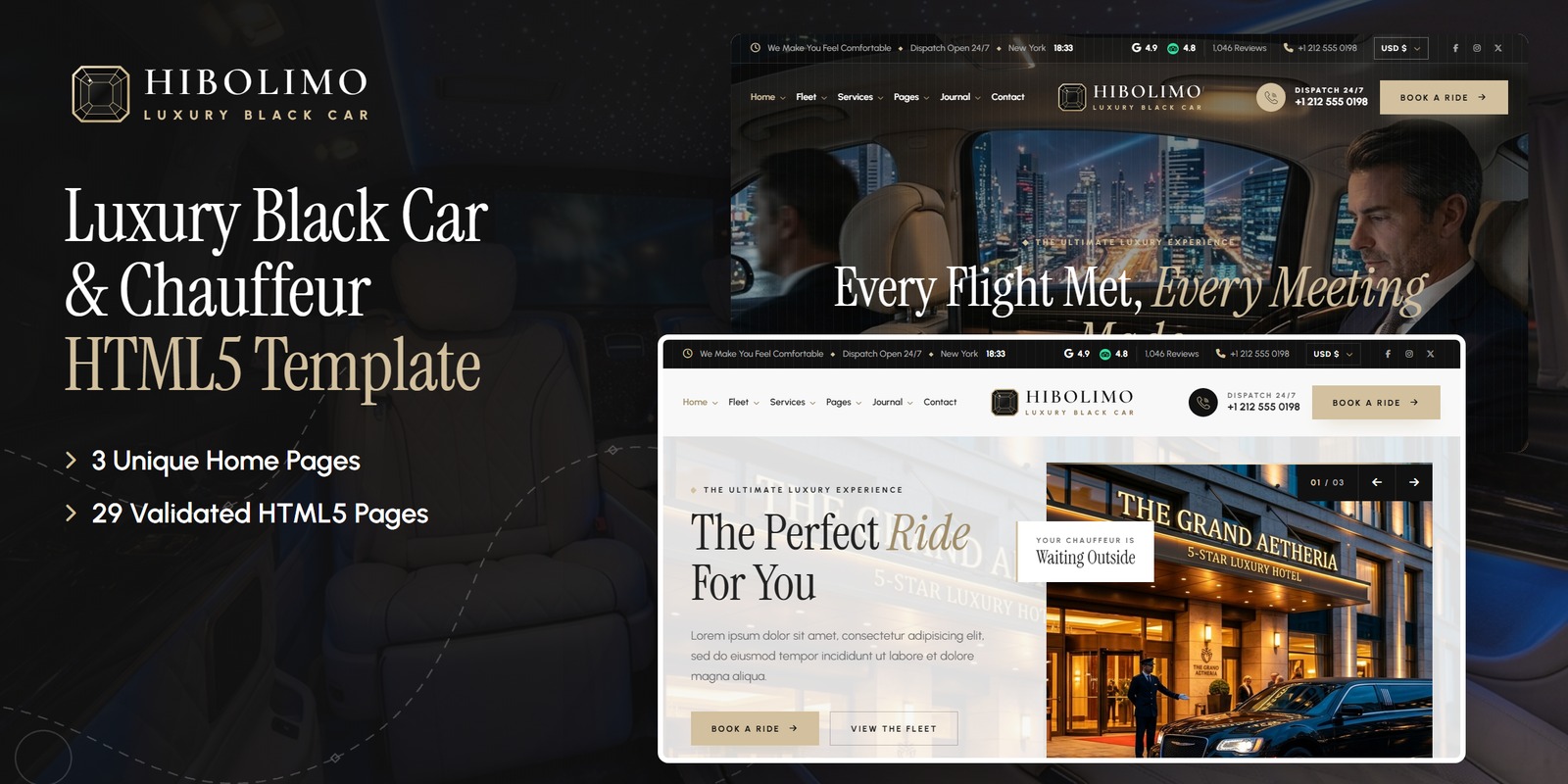
Hibolimo — Luxury Black Car & Chauffeur HTML5 Template
Formats: HTML5Tailwind CSSReactVue+1
by MetropolitanHost · updated Nov 1, 2026
Download this template, and every other one, with All-Access.
Need only this one? Buy it alone for $24 on MetropolitanHost
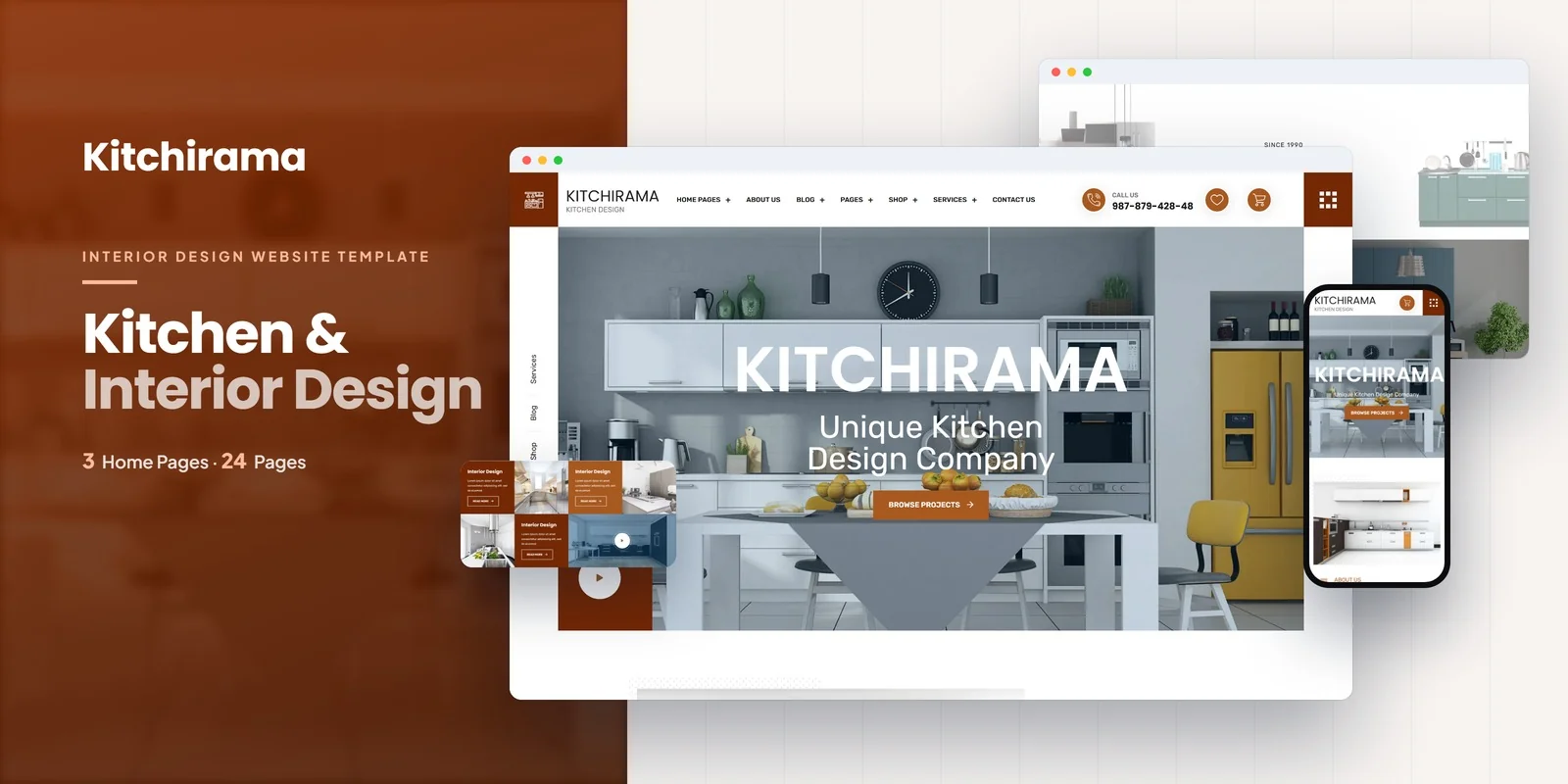
A design firm can show finished kitchens, sell décor products and book consultations from one site with this Tailwind CSS interior studio template. Kitchirama runs on Tailwind CSS 4 and includes 24 pages and 3 home layouts. Interior design studios, kitchen design companies, cabinetry and renovation firms, home decor brands and fit-out businesses are the intended buyers.
Two groups of pages carry most of the weight for this niche. The first is the case studies group. A client who is about to spend money on a kitchen wants to see finished rooms, so the Case Studies archive and the single Case Study page do the selling. The second is the shop, because many studios also sell cabinetry, fittings and decor.
A studio that sells products as well as design work will find this Tailwind CSS interior studio template unusually complete, because the shop, cart, checkout and wishlist are already built.
Three home layouts give you different hero styles and different ways to show kitchen work. Choose whichever fits how your studio wants to open.
The shop comes in three layouts: Shop Grid, Shop Left Sidebar and Shop Right Sidebar. Shop Detail covers each product. Cart, Checkout and Wishlist complete the purchase flow, and a visitor can keep items for later while still comparing options.
Price filtering uses ionRangeSlider, and category dropdowns use NiceSelect. Together they help a buyer narrow a large catalogue quickly.
Services and Service Details pages cover interior design, exterior design and home renovation. A DatePicker lets visitors choose a date for a consultation or site visit. Login and Register pages support client accounts, and Blog, Blog Details and Contact finish the site.
Several scripts add motion and interaction:
Styling sits in utility classes inside the HTML, so you can read and change the look of a Shop Grid card or a case study block right where it is written. Mobile-first breakpoint prefixes resize each layout across screens, which matters when clients browse kitchens on a phone. The compiled CSS holds only the classes these pages actually use, and nothing extra gets shipped.
Ready-made pages open straight in a browser. The Tailwind source comes with them, which lets you edit the styles and compile them again. Neutral placeholders replace the preview images, and you add your own project photos. Flaticon and FontAwesome supply the icons, Google Fonts supply the type, and the preview photography came from Freepik and Unsplash. Step-by-step documentation covers setup and customisation, and the pages work in Chrome, Firefox, Safari, Edge and Opera.
v1.0 2026-11-01
Website Templates
Formats: HTML5Tailwind CSSReactVue+1
Website Templates
Formats: HTML5Tailwind CSSPHPReact+2
Website Templates
Formats: HTML5Tailwind CSSPHPReact+2
Website Templates
Formats: HTML5Tailwind CSSPHPReact+2